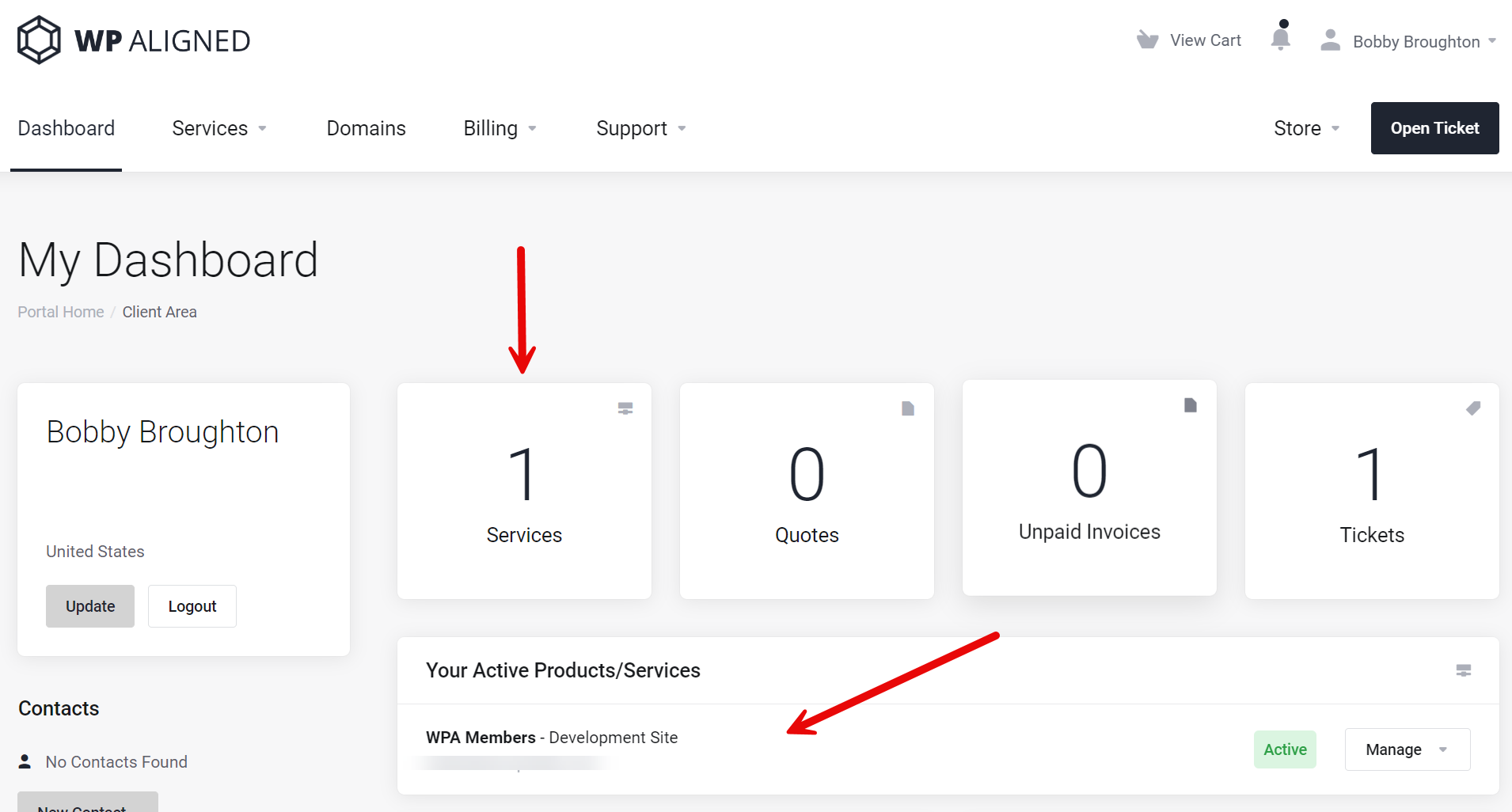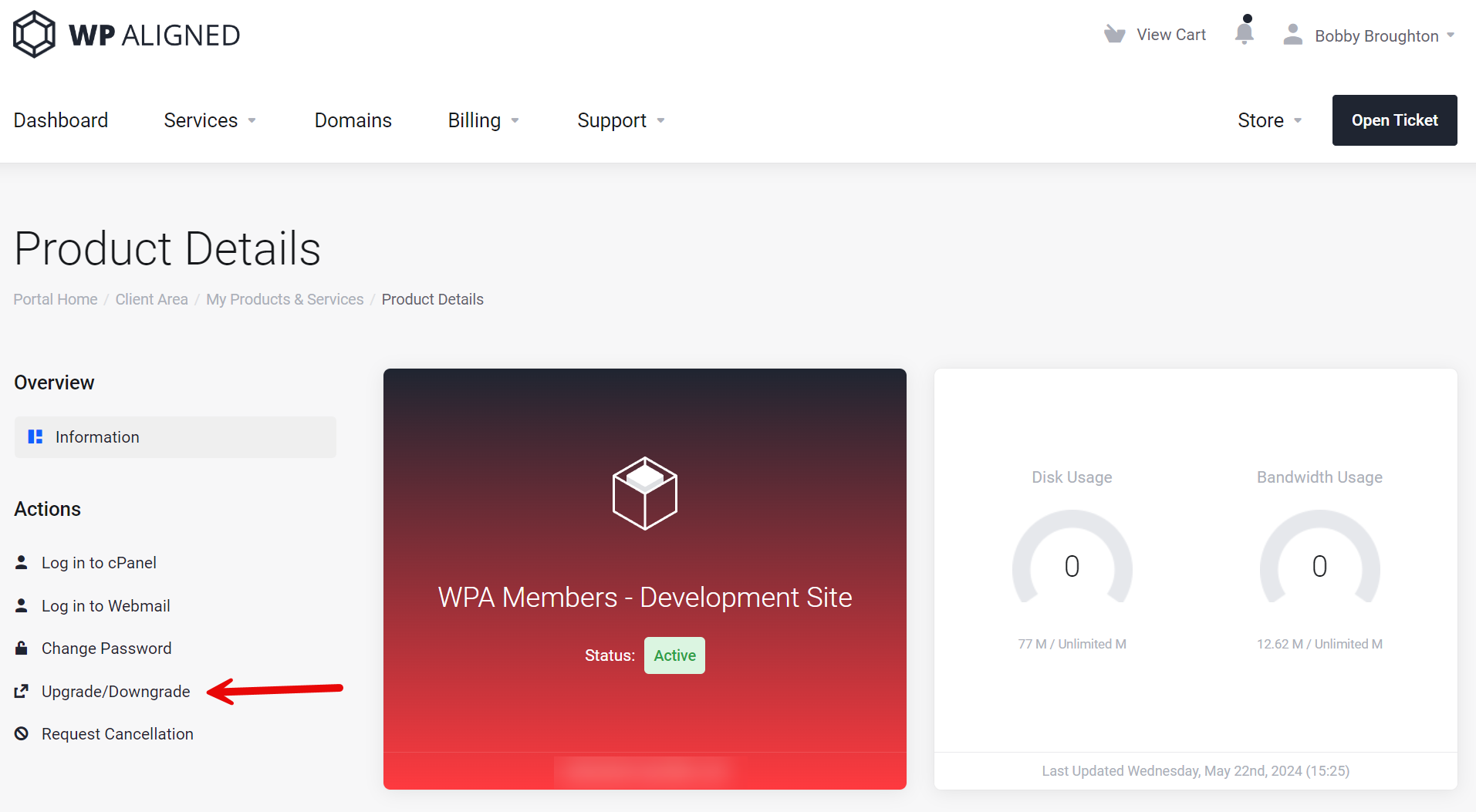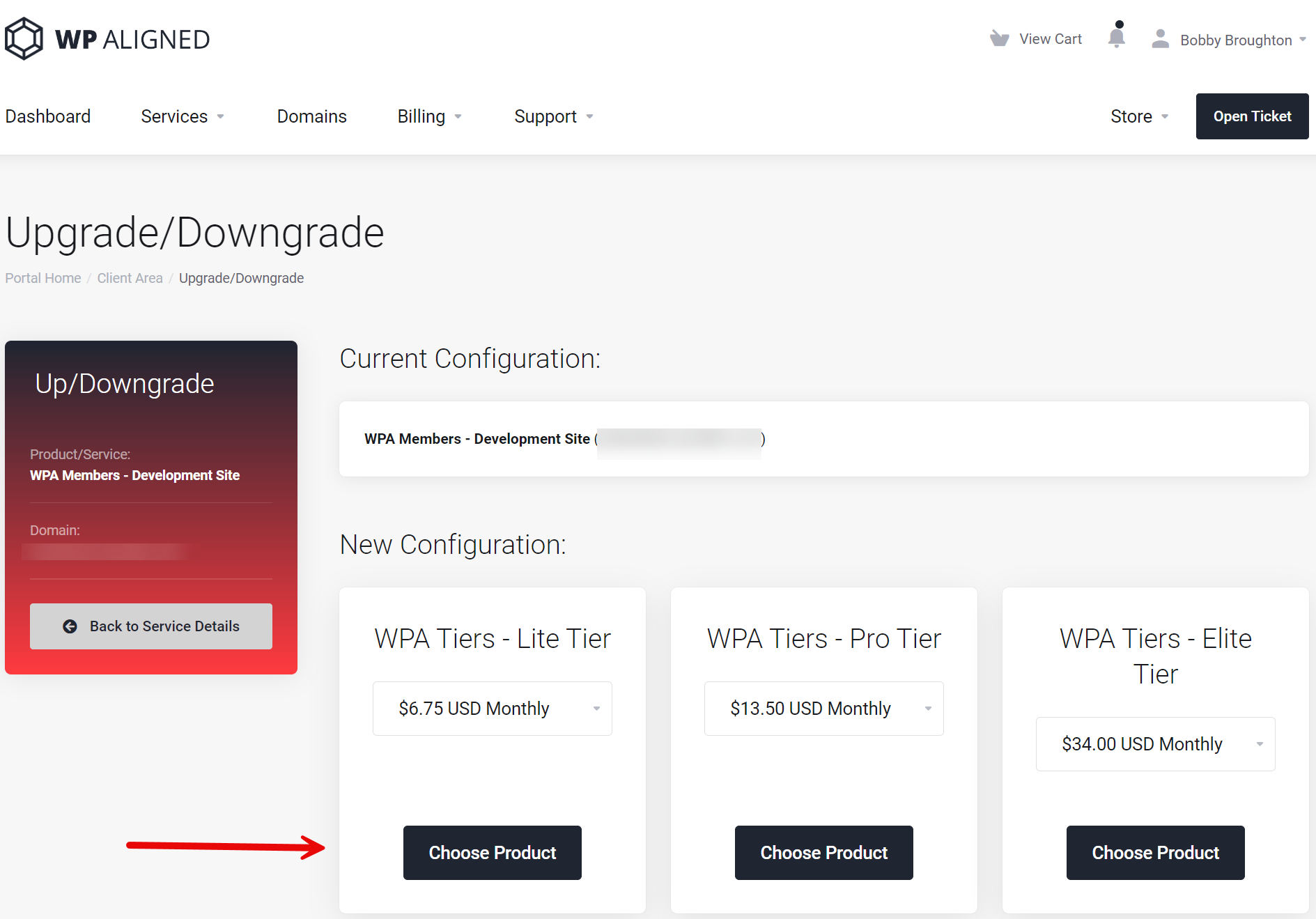
We’re proud to announce the availability of our Redis Object Caching. Redis Object Caching is useful technology for caching database queries. This is very useful on sites that have high database traffic.
Status: Production
Version: 1.1
Original Release Date: 05/24/2024
Updated: 1/29/2026
Enabling Redis Object Caching
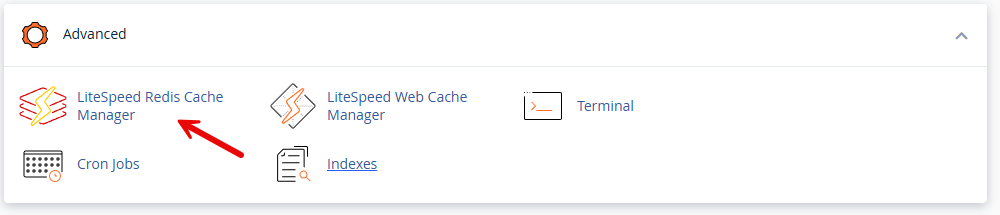
- Within our control panel, go to the LiteSpeed Redis Cache Manager under the Advanced heading:
- In the manager, click “Enable Redis Service”:
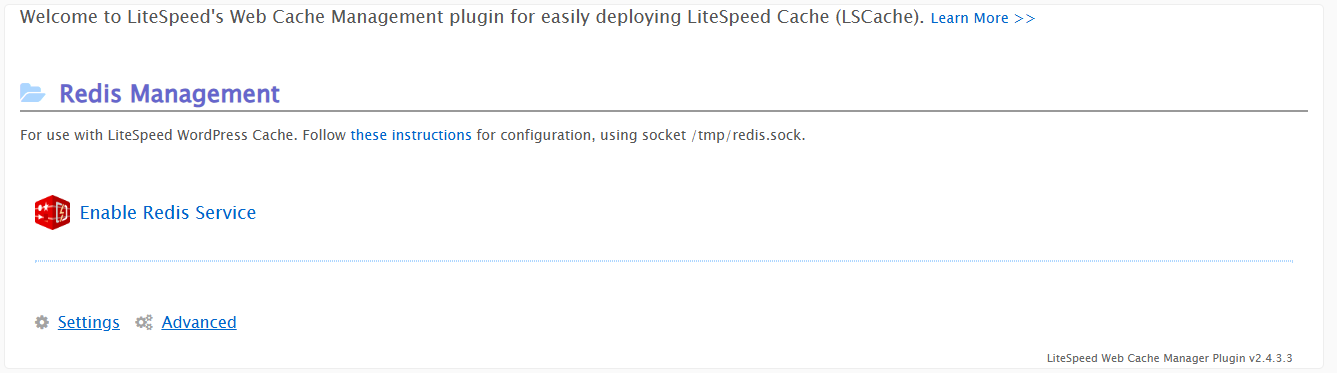
- You will see output similar to this if everything enabled correctly:
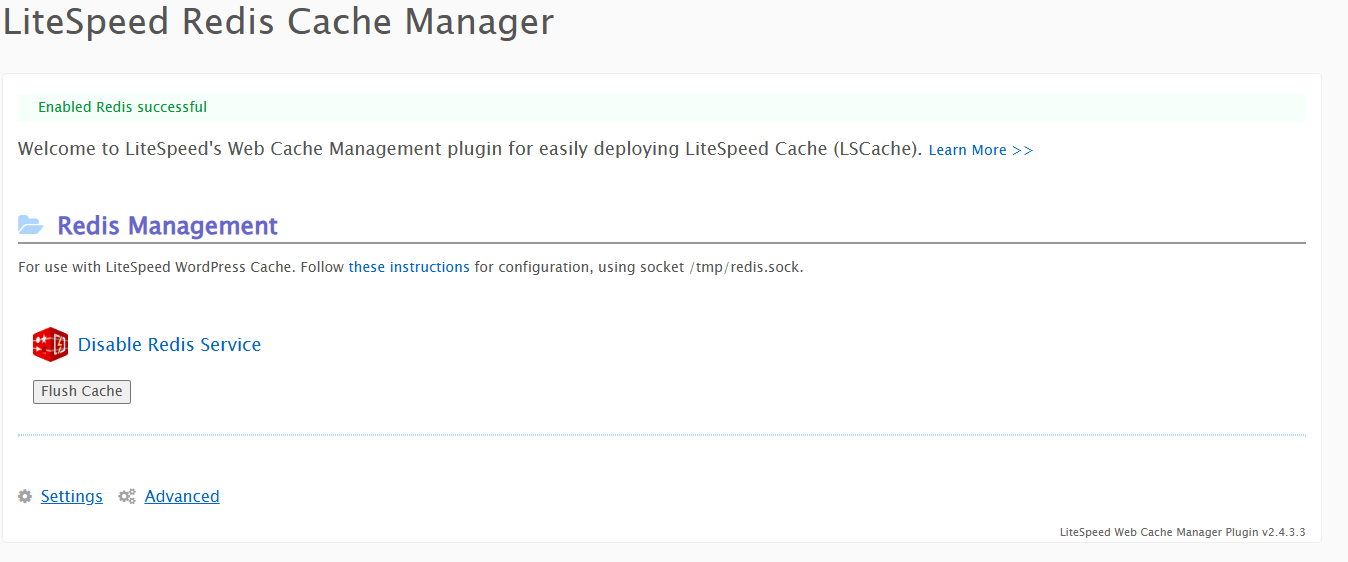
- After this, you just need to configure your WordPress site to use it. We recommend using LiteSpeed Cache as the interface with the Redis Object Cache, but there are other options. LiteSpeed Cache is usually optimal for our platform. For LiteSpeed Cache, here is the documentation they provide: https://docs.litespeedtech.com/lsws/cp/cpanel/whm-litespeed-plugin/wp-cache-management/#configuring-cache-to-use-redis . It should look like this:
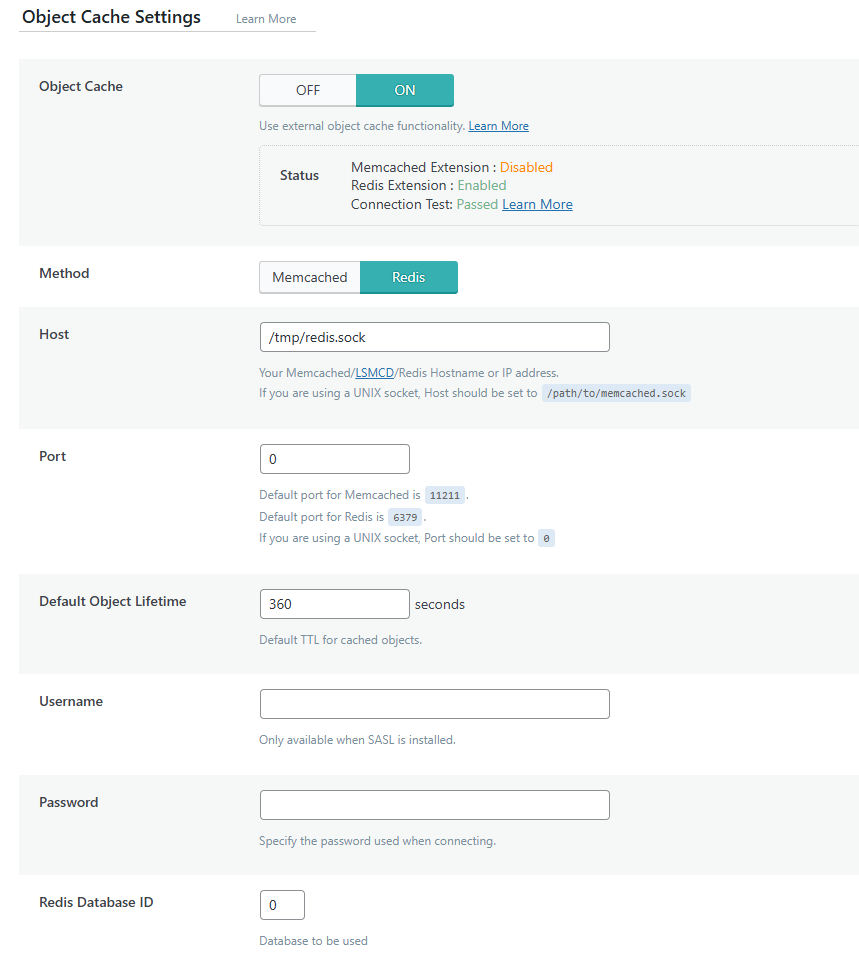
Important note: If you wish to use Redis in staging, as well as production, make sure that on the staging version, you change the Redis Database ID to something other than 0. You can use 0 through 15.